
Flash USB dongle firmware
Factory firmware is usually enough for ZHA. Flash when you need a different stack, a newer EZSP, Zigbee / Thread / Matter, or the stick is not recognized.
Host firmware on ETH dongles is a different flow: see Flash ETH dongle firmware, not this page.
Before you start
Open Tools in Chrome or Edge, then open USB dongle model flasher. Prefer online flashing on that page.
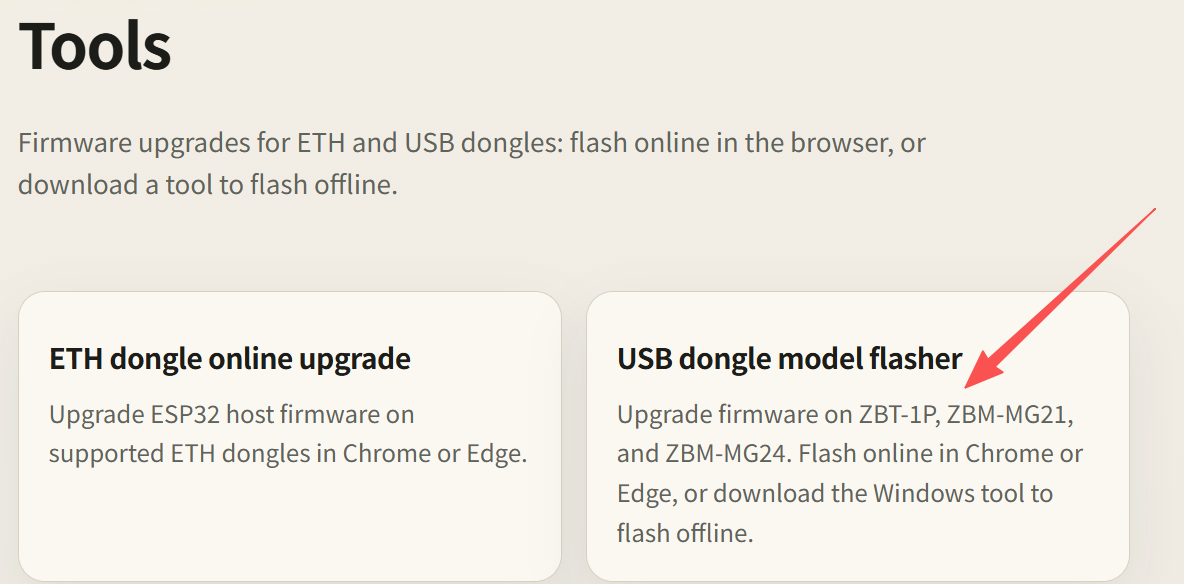
Then check the following:
- Connect the dongle to this computer with a USB data cable
- Close anything using the serial port: ZHA / Zigbee2MQTT in Home Assistant, serial monitors, and other browser tabs already on this page
- Pick the matching model before you connect. Do not mix MG21 and MG24 images. Also pick the matching role: Zigbee coordinator, Zigbee router, Thread, or Multi-PAN
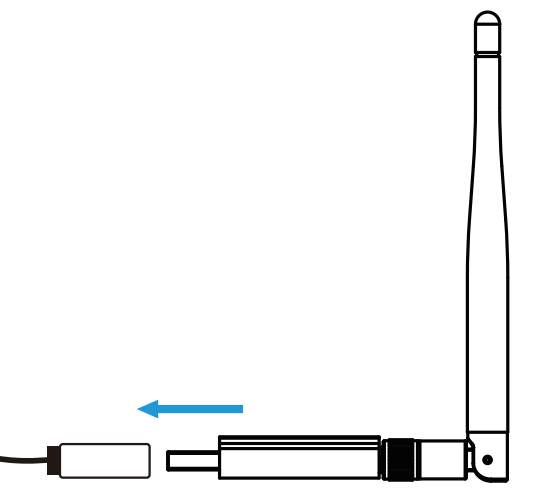
If Windows or macOS does not show a serial port, install the USB driver first, then unplug and replug. If the browser cannot use serial, switch to offline flashing on the same page (Windows tool; currently ZBM-MG21 and ZBM-MG24).
| Model | Chip | USB serial | Driver |
|---|---|---|---|
| ZBT-1P | EFR32MG21 | CP2102N | CP210x |
| ZBM-MG21 | EFR32MG21 | CH9102 | CH9102 (macOS: CH34X) |
| ZBM-MG24 | EFR32MG24 | CP210x | CP210x |
Connect the stick
The steps below use ZBM-MG21 as the example. ZBT-1P and ZBM-MG24 are the same: click Connect on the matching card.
On USB dongle model flasher, find your model and click Connect. The screenshot uses CONNECT ZBM-MG21.
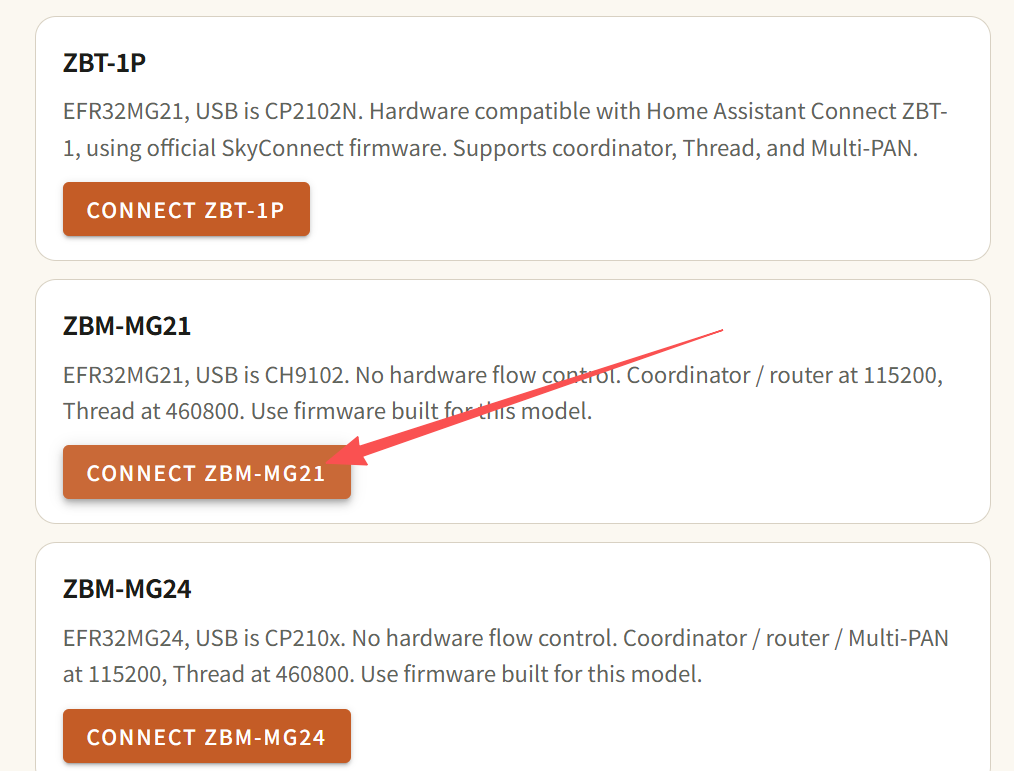
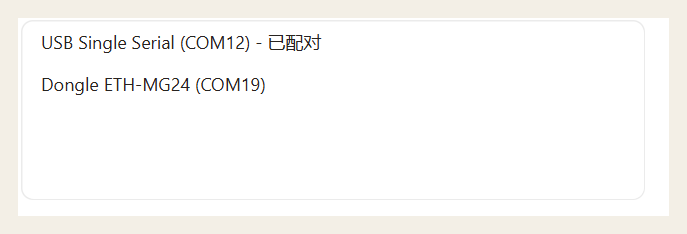
In the browser serial picker, choose that dongle (the name usually includes the model and COMx / ttyUSB / ttyACM) and allow access. The list may also show other ports, such as an ETH host. Pick the USB dongle you are flashing, not ETH. Host firmware on ETH dongles uses Flash ETH dongle firmware.
Wait until the tool identifies the device. You should see the model and current firmware (for example Zigbee EZSP). Then click CHANGE FIRMWARE.
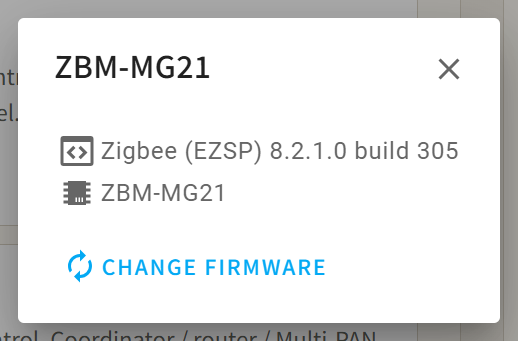
Choose firmware
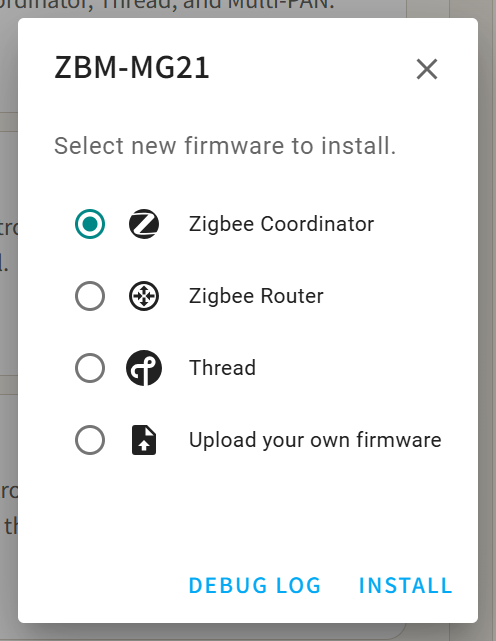
Official firmware for this model is already listed. Choose by role:
| Firmware | Use |
|---|---|
| Zigbee Coordinator | Zigbee coordinator for ZHA / Zigbee2MQTT |
| Zigbee Router | Zigbee router, to extend the mesh |
| Thread | OpenThread RCP |
| Multi-PAN | Zigbee and Thread at the same time. Not available on ZBM-MG21; offered on ZBM-MG24 and ZBT-1P |
The screenshot shows Zigbee Coordinator selected. Confirm the type before you install.
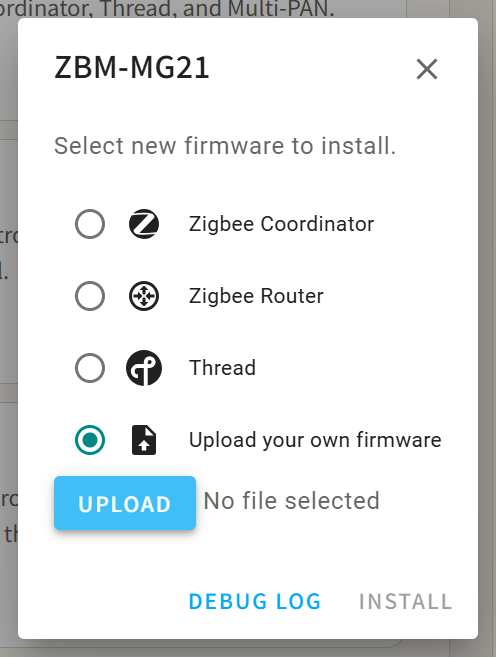
You can instead upload a local .gbl. Only do this when you know the image. A file for the wrong model, or an unsupported build, can leave the stick unusable.
ZBT-1P uses official SkyConnect firmware, with coordinator, Thread, and Multi-PAN options.
Install
After the type is correct, click Install and wait. The LED may blink blue. Do not unplug or close the tab.
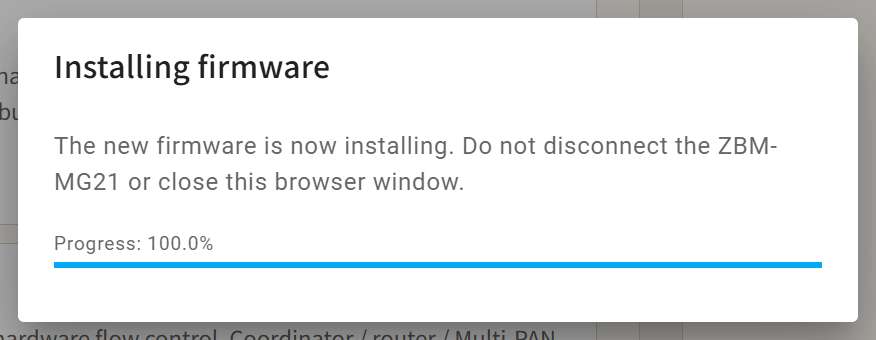
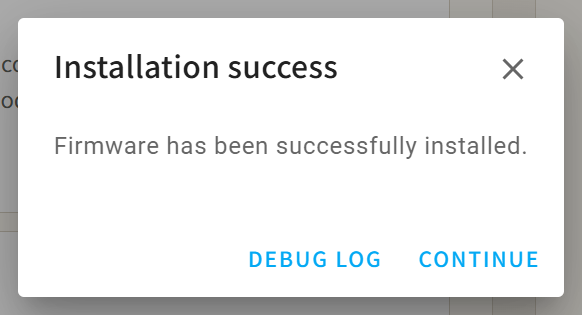
When it finishes, you should see Installation success. Click CONTINUE, unplug and replug, then return to Home Assistant. Serial port, baud rate, and adapter in ZHA / Zigbee2MQTT must match the new firmware.
FAQ
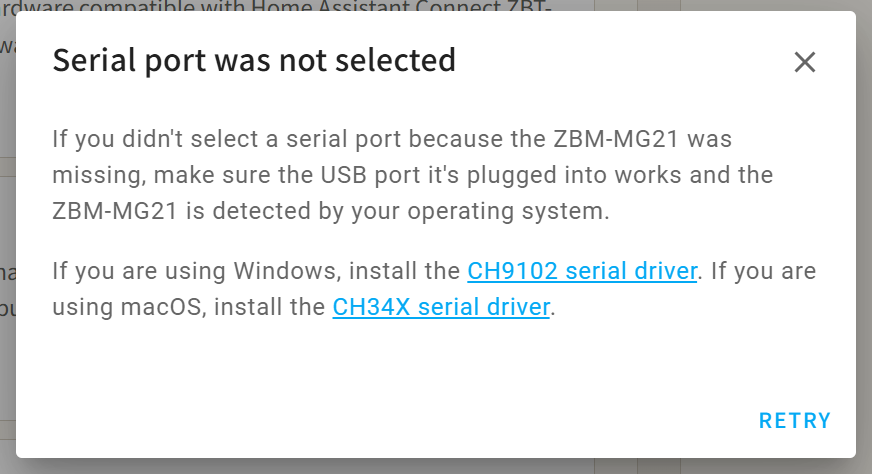
The serial list is empty, or the OS does not see the device. Install the driver in the table, try another port or cable, and confirm ZHA / Zigbee2MQTT is stopped. On Linux, the user needs serial permission (often the dialout group). If you get Serial port was not selected, install the driver and click RETRY (the screenshot is ZBM-MG21: CH9102 on Windows, CH34X on macOS; other models use the table above).
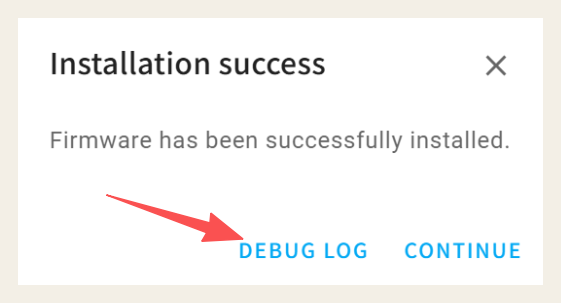
Flashing fails or stalls. Close anything using the serial port and retry. If it still fails, open Debug log in the flasher, send the log to inswift888@gmail.com, and include the model and firmware type.
ZHA / Zigbee2MQTT will not start after flashing. Unplug and replug first. Silabs coordinators: use ember on Zigbee2MQTT 1.36.0+ with EmberZNet 7.4.x or newer (EZSP v13+); use ezsp on older Z2M or older firmware. Baud rate is commonly 115200. For protocol mismatch, see the FAQ.
To compile or port your own firmware, or to match UART / BOOT / reset, see ZBM-MG dongle IO configuration.